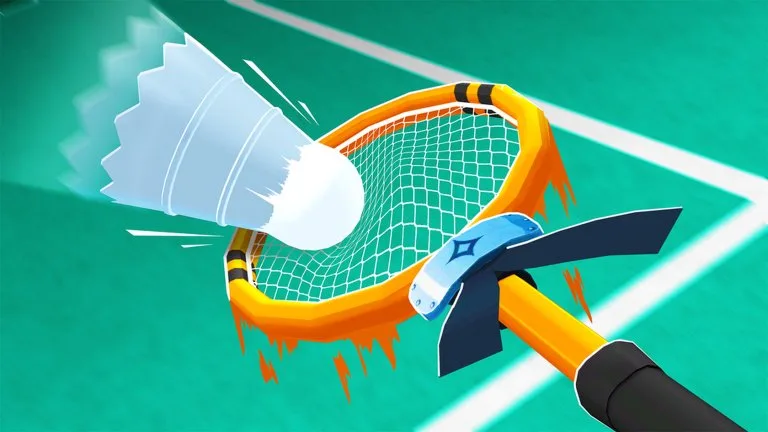
Controls printed on the game page
These bindings are in the official experience description:
| Action | Input |
|---|---|
| Swing | Left click |
| Power swing | Hold left click |
| Set | E |
| Dash | Q |
| Ability | 1 |
| Awakening | 2 |
| Emotes | V |
| Bubbles | B |
Player guides also describe WASD movement, a jump before smash or air dash, and an M key that opens loadout or menu. Those are not in the official control paragraph. Guides also say the in-game settings menu can rebind keys. If a default feels awkward, change it there instead of assuming the listing is the only layout.
Camera and Shift Lock
Shots go where the camera points. Looking down makes a smash fall short. A level camera sends the shuttle deep. Shift Lock is the Roblox camera option that locks your facing to the camera. It is not one of the eight actions in the game description.
If Shift Lock will not stay on, open the Roblox menu with Esc and turn Shift Lock Switch on. If it is already on, toggle it off and on. Check that another program is not swallowing the Shift key. If Shift Lock fails in other Roblox games too, the problem is the client, not a Racket Rivals racket.
A controls article suggests mouse sensitivity around 0.15 to 0.25 and a high field of view. Those are suggested settings, not values from the developer listing.
Shot timing
| Shot | How players perform it | What it is for |
|---|---|---|
| Quick tap | Tap left click | Fast returns and short drops |
| Power swing | Hold left click | A deeper, more obvious attack |
| Set | E | Lift the shuttle for a teammate, or for your own spike in 1v1 |
| Wall bank | Aim at a side wall | A rebound that drops near the net |
| Smash | Jump, look down, click near the body | A steep downward hit |
One writeup says a power swing held for about 1.5 seconds is a useful power-to-speed balance. That timing is a single community suggestion. Confirm it on your own racket, because charge feel can change with power and speed stats.
Mobile and controller
The same Roblox account can play on mobile and PC. The official page does not publish a touch layout. Mobile guides tell you to keep the dash control off the movement thumb. Controller support is mentioned by players, while competitive writeups prefer mouse and keyboard for camera aim. Use whatever the settings screen actually shows on your device.